Union
This tool allows you to compute the geometric union of features from two layers.
1. Explanation
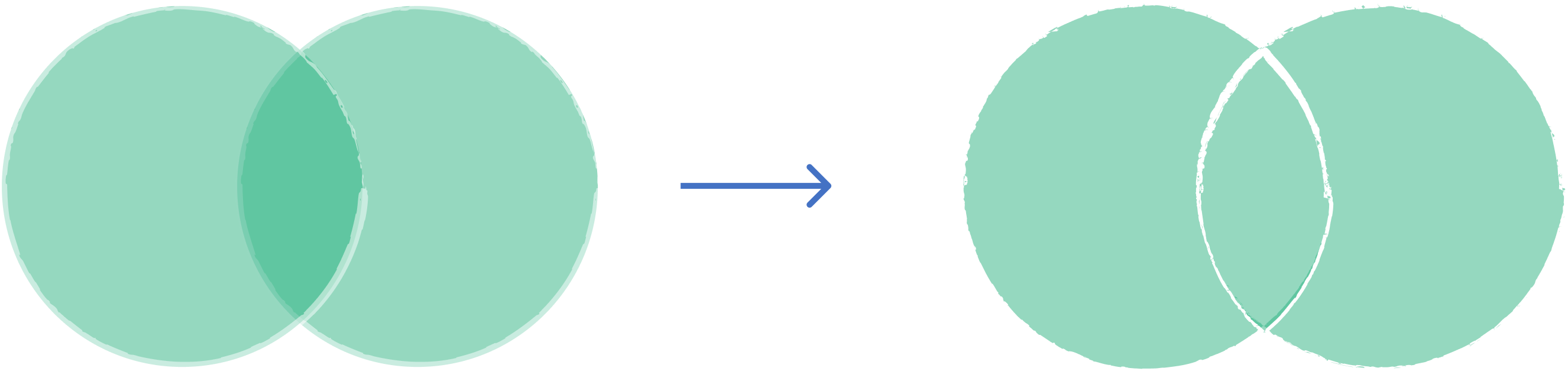
Combines features from two polygon layers into a single layer. The output includes all the geometry from both inputs (like a boolean OR operation). Where features overlap, they are split, and attributes from both layers are assigned to the overlapping portions. Non-overlapping areas retain attributes only from their original layer.
2. Example use cases
- Combine two different land use datasets into a single comprehensive map.
- Merge zoning districts with school districts to analyze all unique combinations of administrative boundaries.
3. How to use the tool?
1
Click on  .
.
Toolbox . 2
Under the
Geoprocessing menu, click on Union.3
Select the first
Input layer.4
Select the second layer on
Overlay layer.5
Choose the
Overlay Fields Prefix which will be added to the attributes from the overlay layer to distinguish them in the output.6
Click
Run to execute the union. Result will be added to the map.