Clip
This tool allows you to extract input features that fall within the clip layer.
1. Explanation
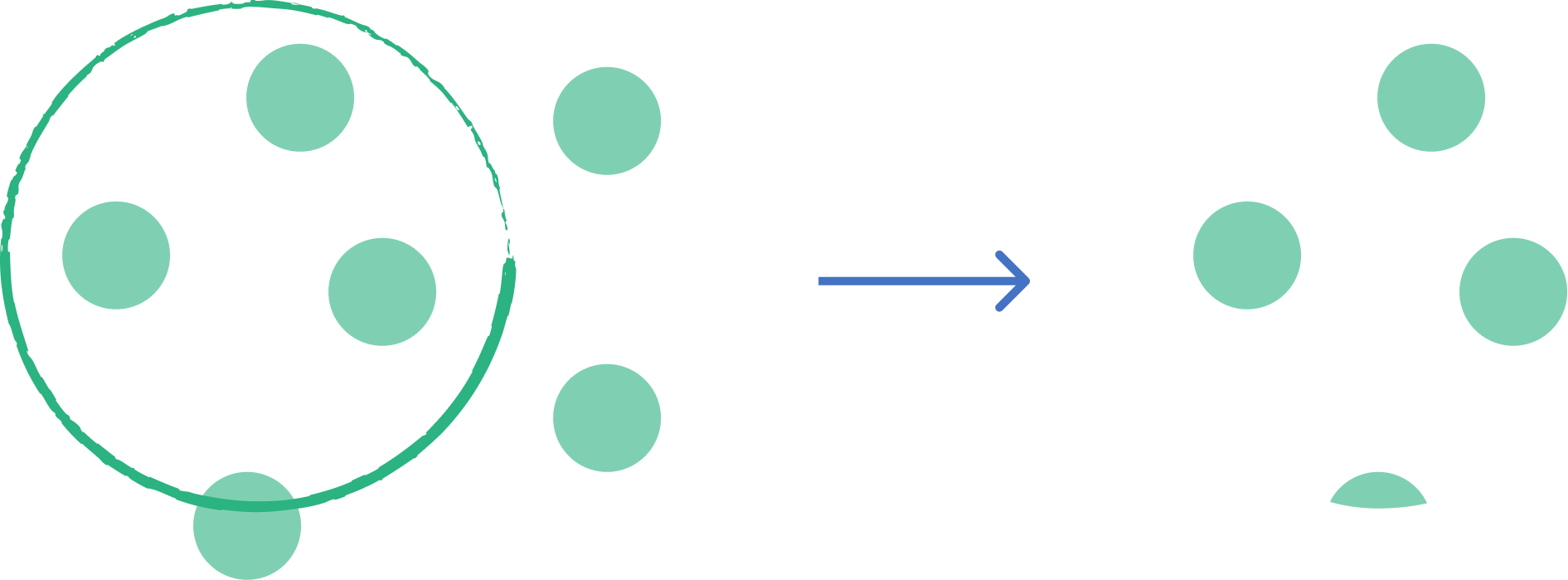
Refers to the process of extracting a portion of a vector dataset based on the boundary of another polygon layer. It acts like a "cookie cutter"—only the features (or parts of features) from the input layer that fall inside the clip layer are retained. The attributes of the input features are preserved, but the clip layer's attributes are not transferred.
2. Example use cases
- Extract a subset of city roads based on a specific neighborhood boundary.
- Clip a land use map to a project area of interest.
3. How to use the tool?
1
Click on  .
.
Toolbox . 2
Under the
Geoprocessing menu, click on Clip.3
Select the
Input layer you want to clip.4
Select the
Overlay layer you want to use as the clip layer.5
Click
Run to execute the tool. The result will be added to the map.