Centroid
This tool allows you to create point features at the geometric center of each input feature.
1. Explanation
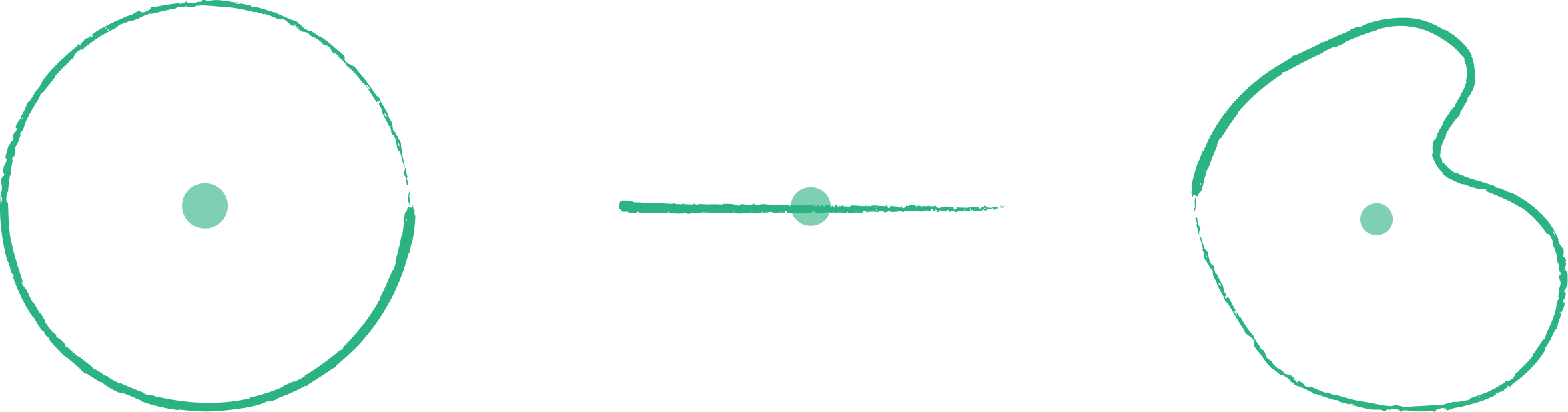
Calculates the geometric center (centroid) of polygon or line features and represents them as points. For polygons, the centroid is the "center of mass". Note that for irregularly shaped polygons, the true centroid might fall outside the polygon boundary.
2. Example use cases
- Convert building footprints to points for simplified visualization or analysis.
- Find the center point of city districts for labeling.
3. How to use the tool?
1
Click on  .
.
Toolbox . 2
Under the
Geoprocessing menu, click on Centroid.3
Select the input layer.
4
Click
Run to generate the centroids. Result will be added to the map.