Dissolve
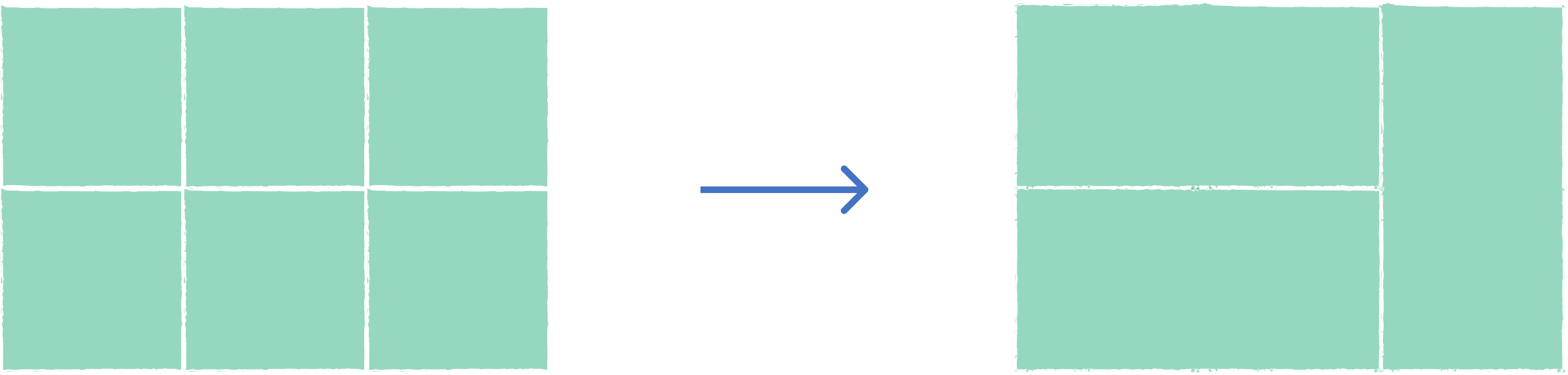
This tool allows you to merge features of one layer that share common attribute values or dissolve all features into a single geometry.
1. Explanation
The Dissolve tool merges features based on shared attribute values or combines all features into a unified geometry. This operation eliminates internal boundaries between features that have the same characteristics, creating simplified output layers. It's commonly used for administrative boundary consolidation and data generalization.
2. Example use cases
- Merge neighboring districts that belong to the same administrative unit.
- Combine adjacent parcels with the same land use classification.
3. How to use the tool?
1
Click on  .
.
Toolbox . 2
Under the
Geoprocessing menu, click on Dissolve.3
Select the
Input layer containing the features you want to dissolve.4
On
Dissolve Settings, choose the fields to group by when dissolving. Features with matching values will be merged. If empty, all features are merged into one.5
If your layer has numeric fields, enable
Statistics to calculate summary values. Select the Operation (sum, mean, count, etc.) and choose the Field to aggregate during dissolve.6
Click
Run to execute the dissolve. Result will be added to the map.