Settings
On the Settings page, you can view and modify your preferences and settings related to your account, teams, organization, and subscriptions.
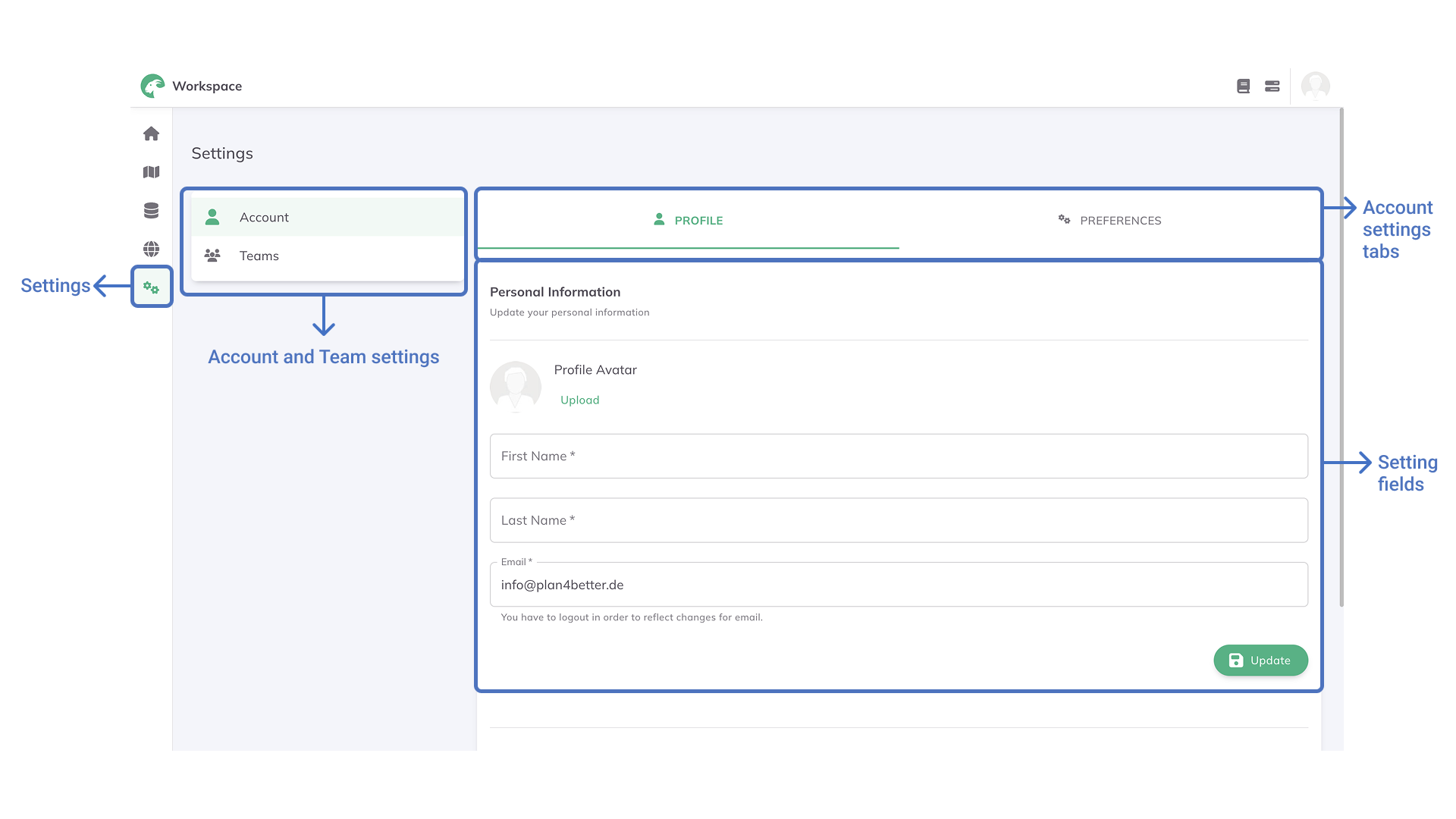
Account Settings
Under the Account Settings, you can adjust your profile and your preferences.
- In the
Profiletab, you can update your first name, last name, and email address and upload a profile picture. - In the
Preferencestab, you can choose your preferred language (English or German) and theme (light and dark mode).
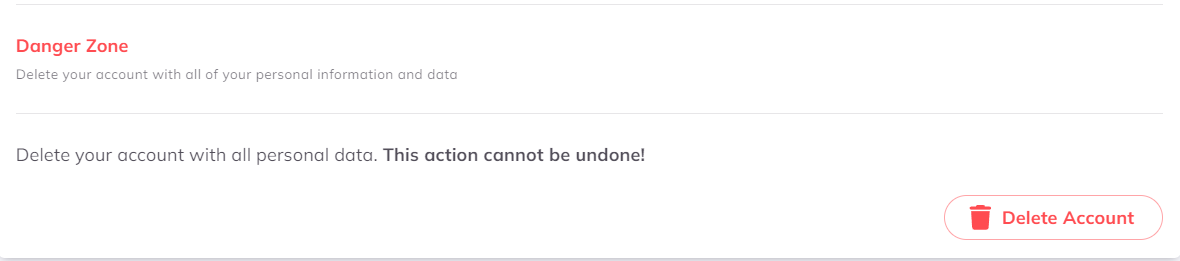
If you wish to delete your account, you can also do this in this section. Please only click on this button if you are certain about this step, as this cannot be undone.
Teams Settings
Simply clicking on a team, the Teams Settings will open. Here you can:
- Create a new team by clicking on the
+ New Teambutton - Enter an already created teams:
- In the
Profiletab, if you are the owner of the team, you can rename it, modify the description or upload a logo or picture. If you are a member of the team you can only view the team information. - In the
Memberstab, if you are the owner of the team, you can add or delete members. If you are a member of the team you can only view the members list.
- In the
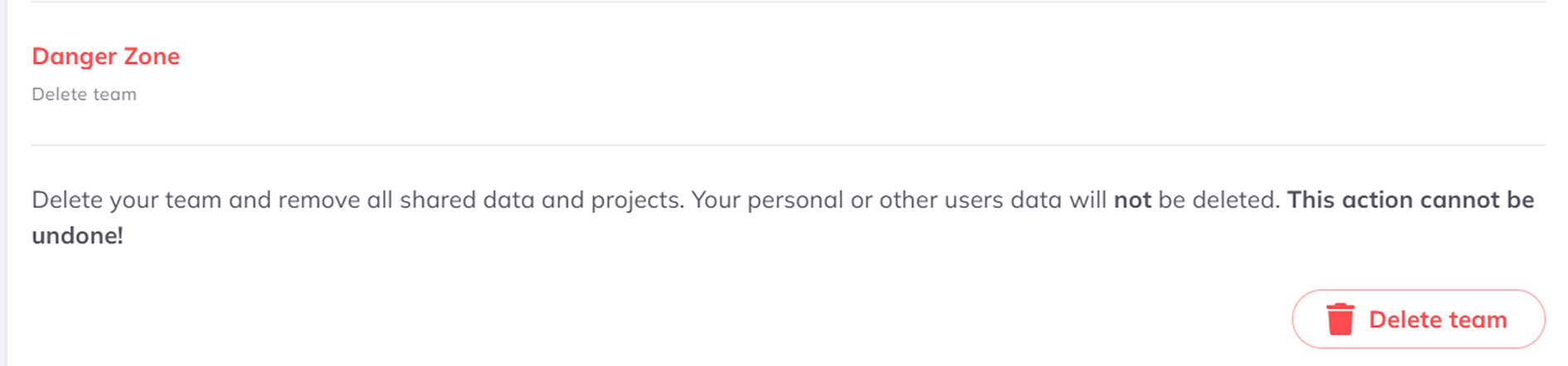
If you scroll down to the Danger zone on the Profile Tab, you also find an option to delete your team. Please only click on this button if you are certain about this step, as this cannot be undone.
Organization Settings
Under the Organization Settings, you can adjust the profile of your organization and manage the organization members:
- In the
Profiletab, you can change your organization's name and upload a logo or picture. - In the
Memberstab, you can view the members list of your organization. By clicking on the
more optionsbutton you can manage their roles and personal information. Furthermore, you can invite new members to join your organization by email.
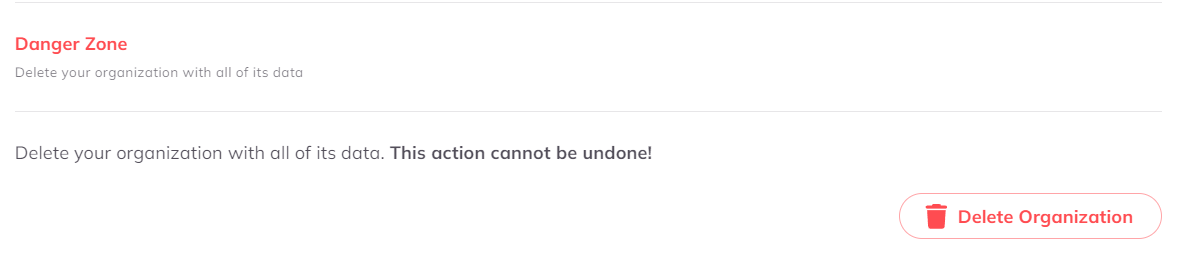
If you scroll down to the Danger zone, you also find an option to delete your organization. Please only click on this button if you are certain about this step, as this cannot be undone.
Subscriptions
In the Subscriptions menu, you can view and change the details of your subscription. This allows you to stay informed about your subscription status and make any necessary adjustments to better suit your requirements.
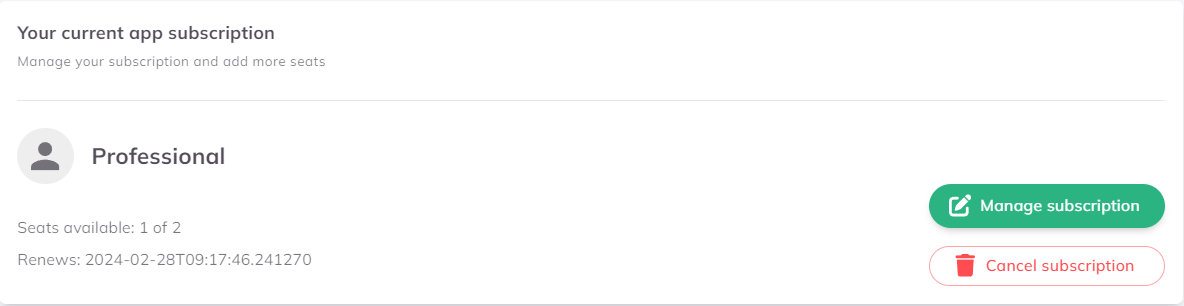
Please feel free to contact the Support anytime in case you have questions regarding your subscription.