Information
This section contains widgets that provide information about your project layers and components.
Layers
1
Drag and drop the
Layers widget on a panel.2
Click on the
Layer widget, and then the Layer settings on the right will appear. Here you can add a title and a description.3
By clicking on the 
more options icon next to the layer name, users can click on: Zoom to layer, Data source info, and Hide/Show layer. There is also the option to Download, but it is not available for all viewers.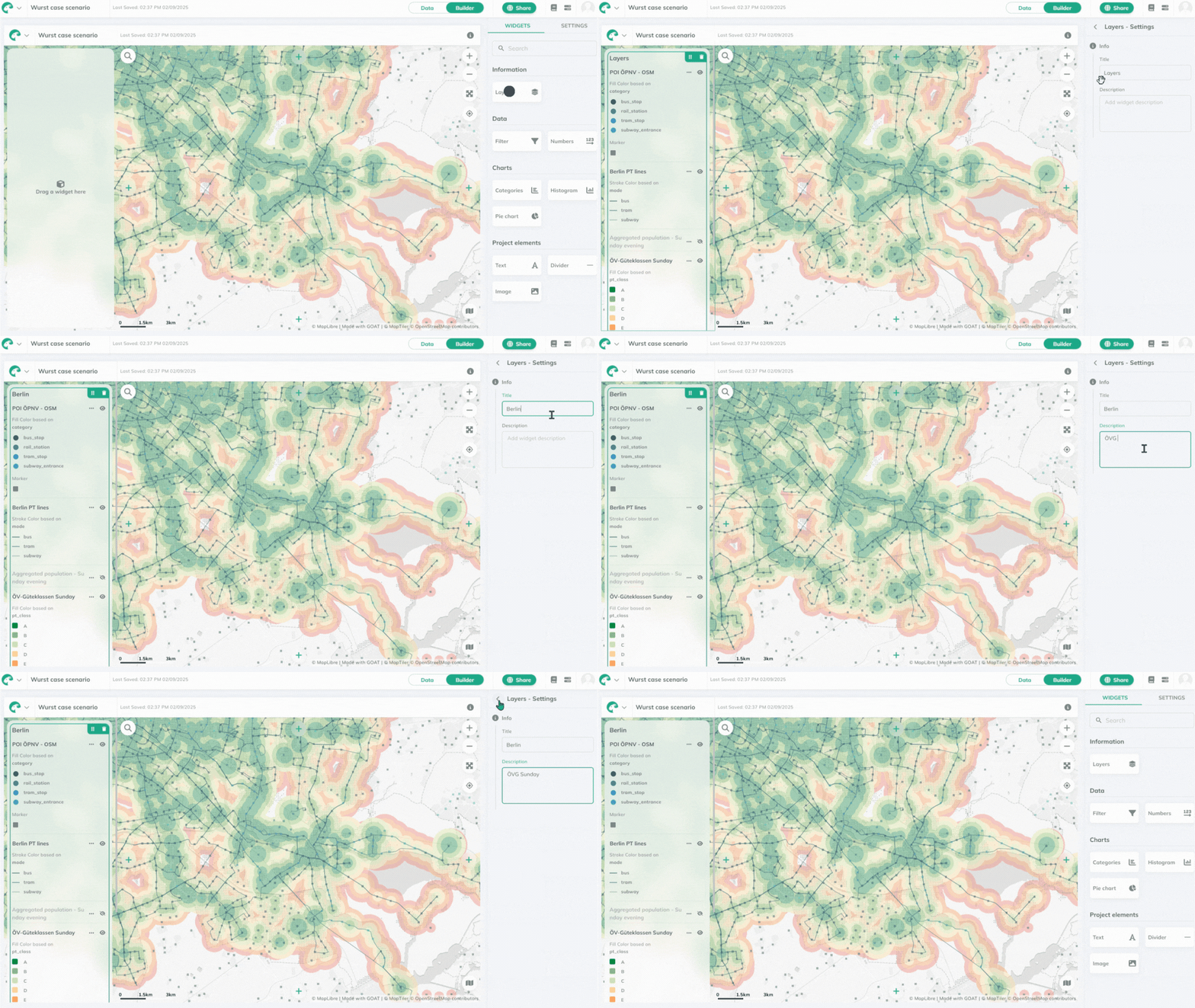
info
Viewers can hide/show the pre-selected layers, but once the dashboard is reloaded, they will set back to the original visibility.